Posts

Samsung_SM_G531_F_GALAXY_Grand_Prime_Unlock_Done_With_Z3x_Box

Image

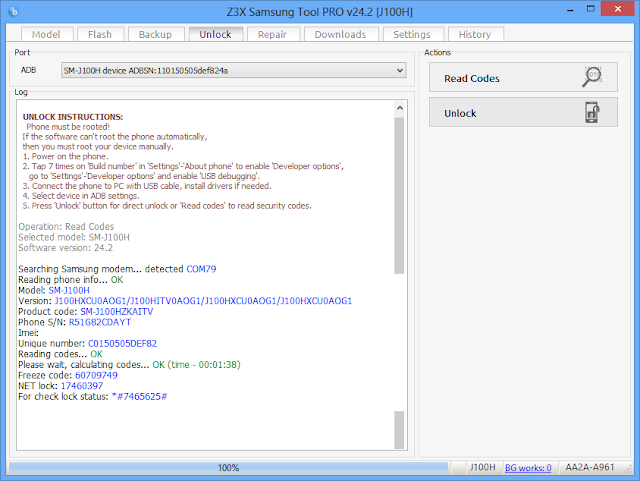
Samsung sm-j100h read code unlock done with tool pro

Image

Samsung Sm-a500f direct unlock by Z3x

Image

Symphony V25 Too many pattern done 100%

Image
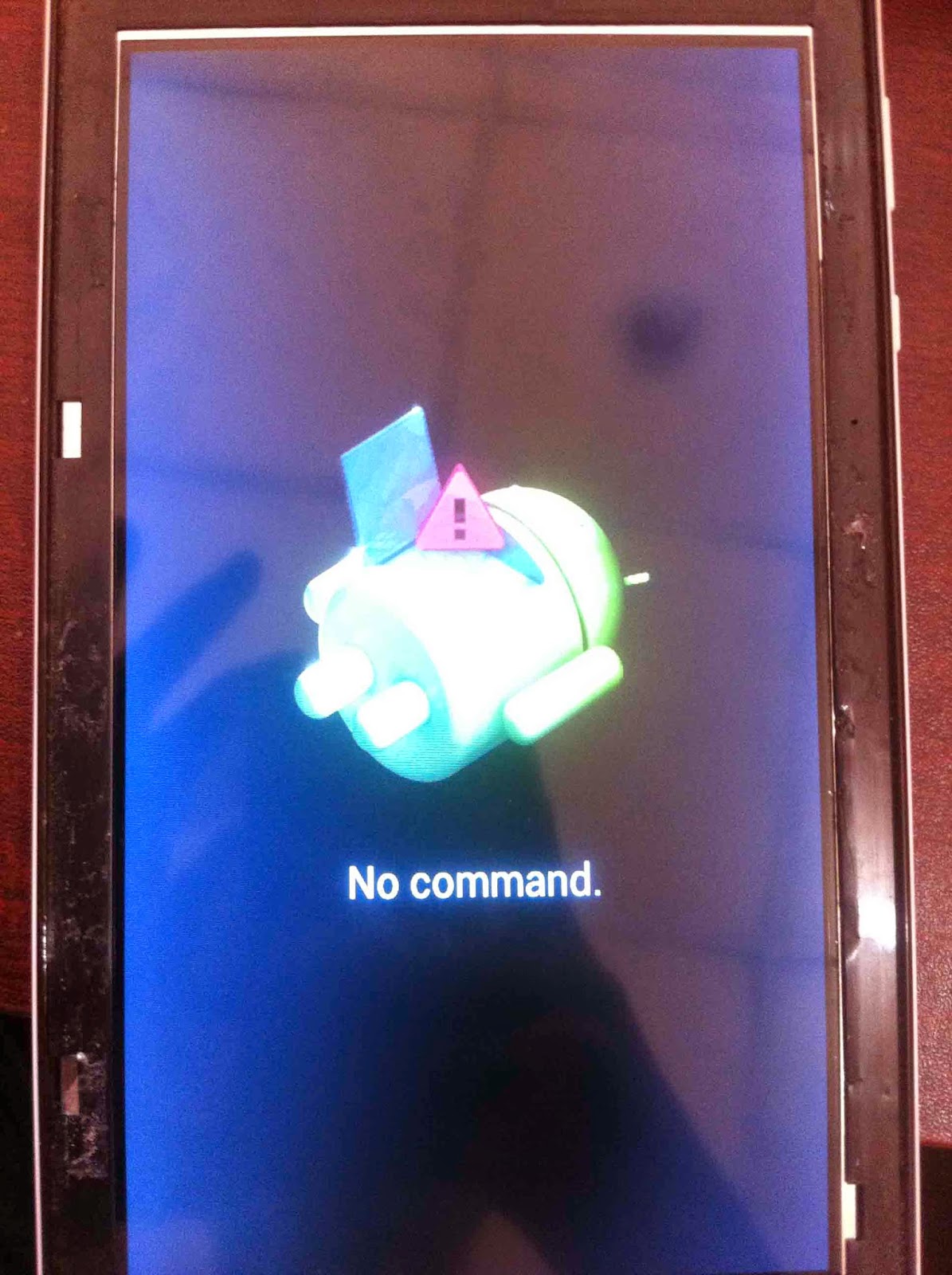
Remove your mobile battery sim and mmc adjust battery fully charget then adjust battery and Hold power botton + vol up wait until show android logo recovery mode Many phone worked   Power botton And vol down recovery mode Some phone is power botton + vol up + home botton recovery mode Show Recovery in same type 1-reboot system now 2-apply update from adb 3-apply update from sdcard 4-apply update from cache 5-wipe data/factory reset 6- backup user data 7-restore user data select wipe data/factory reset after select reboot system now and enjoy it

BSNL P033 Too many pattern Done

Image
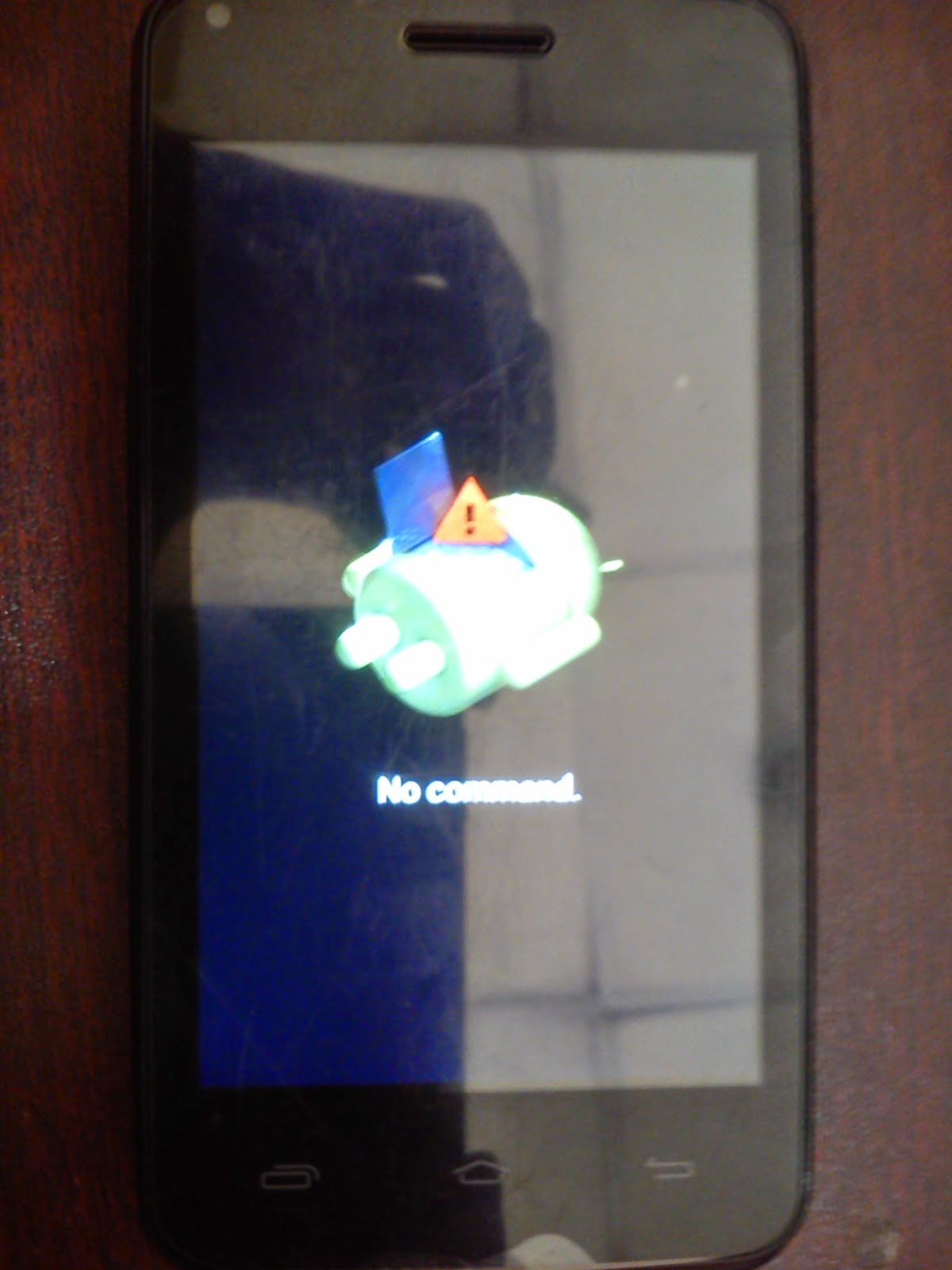
BSNL P033 Too many pattern   Done Power off your tablet check the bettary in fully charged Press volume up And Power botton until android recovery logo Mode Where you see ?? android recovery logo Press power again then show Selected wipe data/factory reset with power botton after selected yes--- delete all user data wait to reset complete and now seletcted reboot system now and enjoy it friends any problem comment please

Symphony P10 Too Manny pattern Done

Image
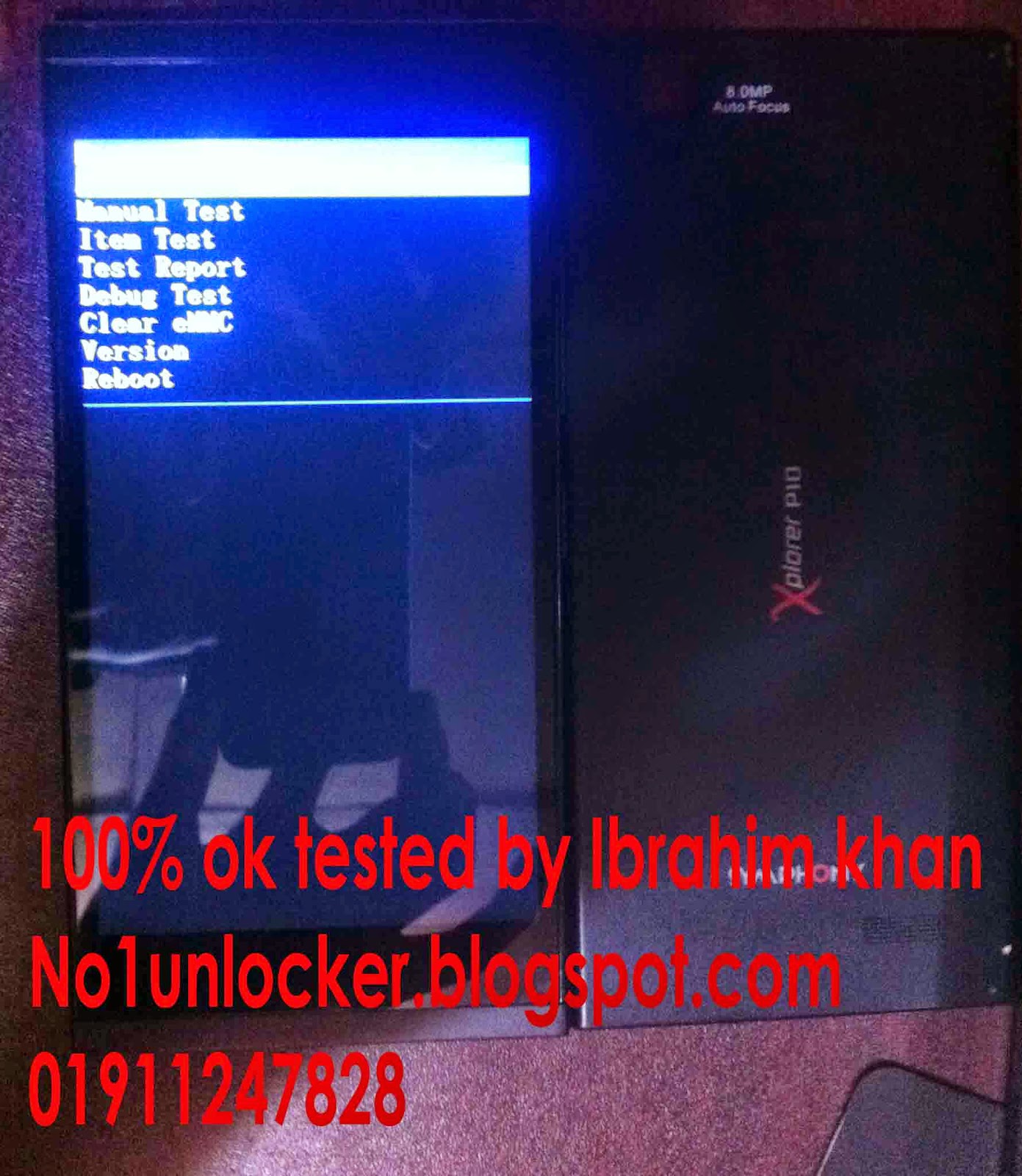
Symphony P10 Too Many Pattern Done By Ibrahim Khan Power Off your phone check battery full charged after working please Press power botton and Vol Down wait show factory mode   press vol down select clear eMMC press power botton now format your phone  wait complete format and restart your phone and enjoy  any problem call me +8801911247828

Lenovo A850 Too many pattern done

Image
  Care your phone battery charge is full Get imidiat your phone power off and hold Power botton + vol up holding 4-5 sec now show Recovery mode Fastboot mode Normal mode Select recovery mode with vol up Now show 1-reboot system now 2-apply update from adb 3-apply update from sdcard 4-apply update from cache 5-wipe data/factory reset 6- backup user data 7-restore user data select wipe data/factory reset  now show is no no no no yes delete all user data--------- no now selected yes delete all user data wait some  time again show 1-reboot system now 2-apply update from adb 3-apply update from sdcard 4-apply update from cache 5-wipe data/factory reset 6- backup user data 7-restore user data   now selected reboot system now restart your and enjoy it