Posts

Android All In One Tool

Image
  Android All In One Tool Download Here                          Download here

GDL D403 Flash file Download

Image
       GDL G403 Flash File Download Here                                                                       Download here

Huawei Ascend Y210 Hard Reset Done

Image
Remove Your Phone Battery & Sim After Ready to Work Hold the Power Sowitch + Vol up Long 10-20 Sec Show This 1.       Apply Update From sdcard 2.       Wipe data/Factory Reset 3.       wipe cache paetition 4.       touchscreen firmware update select step 3 wipe data/factory reset show no yes---- delete all user data select this wait some time complete now show Reboot System Now, reboot your system & enjoy   

Symphony W65 Hard Reset Done

Image
  power off the phone press and holdVOLUME UP + POWER ON BUTTON screen show android logo THEN PRESS POWER ON BUTTON screen show recovery manu THEN PRESS VOLUME DOWN BUTTON AND SELECT WIPE DATA RESET NOW PRESS VOLUME UP BUTTON screen show delet all user data NOW PRESS VOLUME DOWN BUTTON and select delet all user data NOW PRESS VOLUME UP BUTTON  

Symphony W21 Too Many Patern Done

Image
Hold Power Sowitch & Vol Down Long 10-12 Sen After Show This 1-reboot system now 2-apply update from adb 3-apply update from sdcard 4-apply update from cache 5-wipe data/factory reset 6- backup user data 7-restore user data Auto select down & Stop step 5 after click vol+ Now your Mobile is full reseted reboot system now and enjoy it 10000000000% tested by Ibrahim

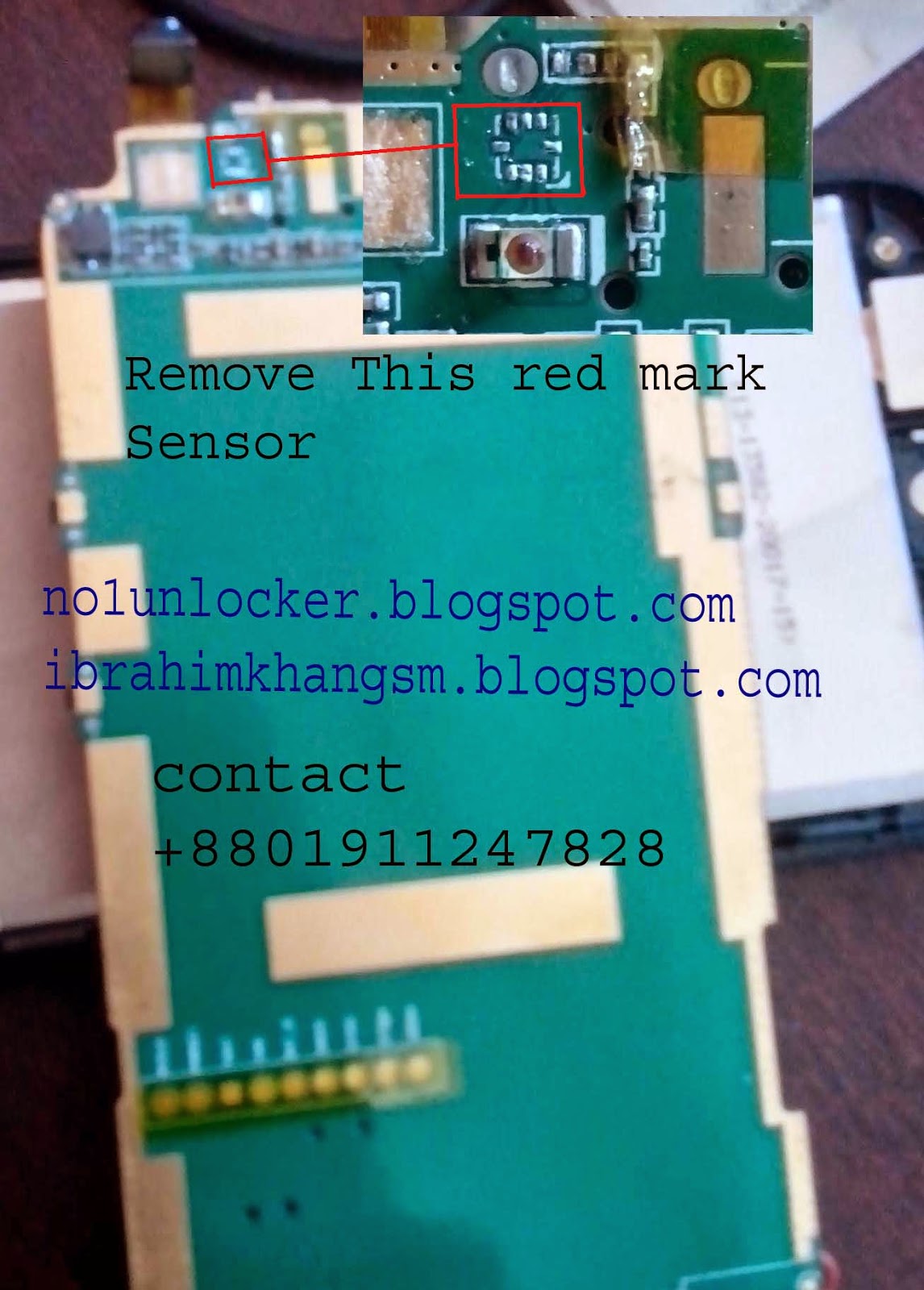
Symphony W30 Caller Sensor Problem Solution

Image

Symphony W32 Too Many Pattern Done

Image
  Press Vol Up and Power Key Press Power Key When Showing Android Logo Select wipe data/factory reset Using Volume Down Key Enter In data/factory reset Using Volume Up Key Select Yes -- delete all user data Using Volume Down Key Enter Yes -- delete all user data Using Volume Up Key Wait 1 Minute For Reset Wipe Data Select reboot system now Using Volume Up                   Lets Enjoy It!