Posts

Symphony W32 Too Many Pattern Done

Image
  Press Vol Up and Power Key Press Power Key When Showing Android Logo Select wipe data/factory reset Using Volume Down Key Enter In data/factory reset Using Volume Up Key Select Yes -- delete all user data Using Volume Down Key Enter Yes -- delete all user data Using Volume Up Key Wait 1 Minute For Reset Wipe Data Select reboot system now Using Volume Up                   Lets Enjoy It!

Symphony W16 Too Many Pattern Done

Image
  Step1. Press and hold power key & Volume up to boot up your device then u wil see Step2.Press Volume up button then press Volume Down u will see android logo (No command ) Step3.Press power button Step4.Volume down select wipe data/ factory reset then Press Volume up and do job (Select Button Volume up)  

Symphony W10 Hard Reset Done

Image
    1. Press Hold Volume Up & Down 2. Press Power 3. Show Screen Recovery Mode :Volume Up Factory Mode :Volume Down 4. Press volume up to select recovery mode 5. Then select factory data reset.

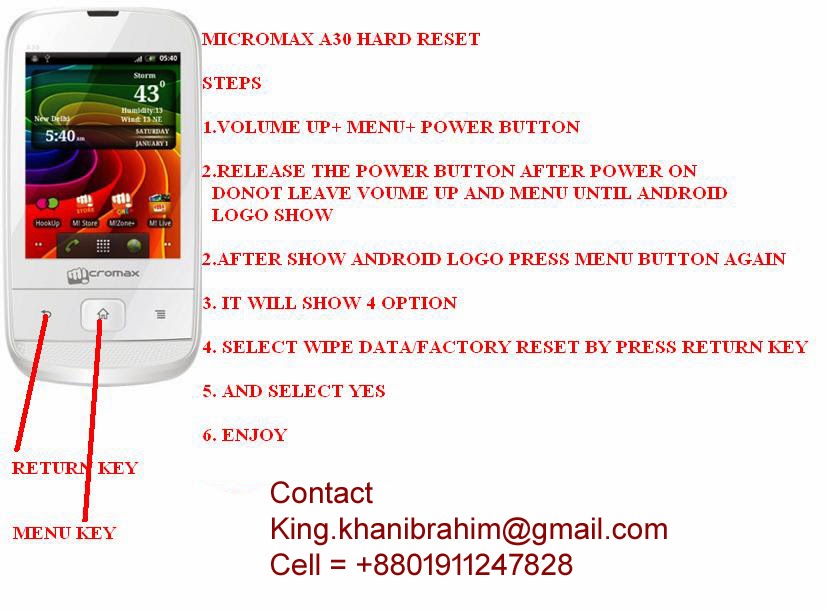
Micromax A30 Hard Reset Done

Image

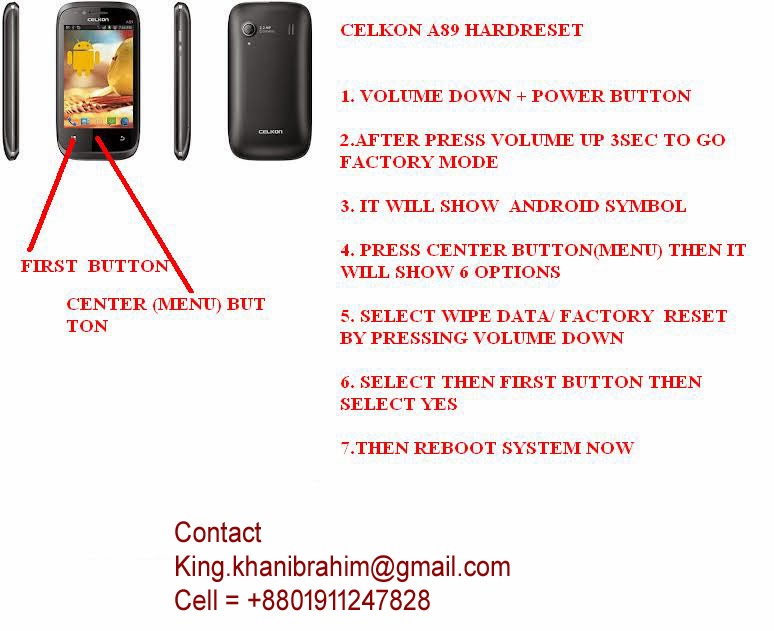
Micromax A89 Hard Reset

Image

Symphony W71 Hard Reset

Image
                                                          Press & hold Volume (-) button then press power button                                          Show Option                                          Select clear MMC                ...

Celkon 910 Tablet Hard Reset

Image